The Only ChatGPT Folder Extension for Safari on Mac (2026)
The problem Safari users keep running into
If you use Safari as your daily browser on a Mac and you have been searching for a way to organize your ChatGPT or Claude conversations into folders, you have probably already hit the wall. You find a promising extension on the Chrome Web Store, read the reviews, and start following the install steps — only to realize at the last moment that it does not support Safari. You try the next one. Same result. Then the next. After enough attempts, you might reasonably conclude that a ChatGPT extension for Safari simply does not exist.
That conclusion was accurate until recently. As of June 2026, every folder and organizer extension in this category — Superpower ChatGPT, Easy Folders, ChatGPT Folders by Wimeki, AI Toolbox — is built exclusively for Chromium-based browsers or Firefox. None of them ship a Safari build. This is not an oversight on the part of any single developer; it reflects a real structural difference between how Safari handles browser extensions and how Chrome does. Building a Safari web extension is a meaningfully different engineering task. Apple requires that a Safari extension be packaged inside a signed, notarized macOS application that ships through a different distribution path than a Chrome Web Store listing. That extra requirement has historically kept most extension developers from bothering.
The result is a gap that affects every Mac user who prefers Safari: you get none of the folder organization, none of the pinning, none of the Markdown export, none of the cross-platform support for both ChatGPT and Claude. You are stuck with OpenAI’s flat chronological sidebar and Anthropic’s equally unstructured conversation list, both of which turn into an unmanageable scroll after a few weeks of daily use. The only native workaround is ChatGPT Projects, which is an isolated workspace concept — useful for separating broad contexts but unable to produce a true nested folder tree across your general history.
NorthLab Folders is the first and currently only ChatGPT and Claude folder extension that ships a native Safari build. This post explains what it does, why the Safari version is structured the way it is, how to install it safely, and where it honestly falls short.
Why there are no ChatGPT folder extensions on Safari
It is worth spending a moment on the technical reality here, because it explains why this gap persisted for so long and why you should understand what you are installing when you do find a solution. Chrome extensions follow the WebExtensions standard, a shared specification that Chrome, Firefox, Edge, Brave, Arc, and Opera all implement. Writing a Chrome extension means your code will run — with minor adjustments — on all of those browsers simultaneously. The developer writes once and publishes to a wide audience. The Chrome Web Store handles distribution with essentially no signing requirement beyond a $5 developer registration.
Safari web extensions, by contrast, follow Apple’s model. They must be wrapped inside a native macOS application, signed with an Apple Developer certificate, and notarized by Apple’s own servers before they can run on any user’s machine. Gatekeeper — the macOS security layer that checks applications before they open — will refuse to run any app that has not been through this process. This means Safari extension development requires an active Apple Developer Program membership, a signing certificate, and a notarization submission for every release. The resulting artifact is not a browser extension file you drag into a browser; it is a full .app bundle that you install like any other macOS application, and that application then surfaces the extension to Safari through a system framework.
This process is more expensive and more time-consuming, and it produces a smaller potential audience because it works only on macOS with Safari. Most extension developers making tools for AI chat organization have focused their limited resources on the Chromium surface, where the audience is largest and the tooling is simplest. This is entirely rational from a business standpoint, but it leaves Safari users without options.
What NorthLab Folders does on Safari
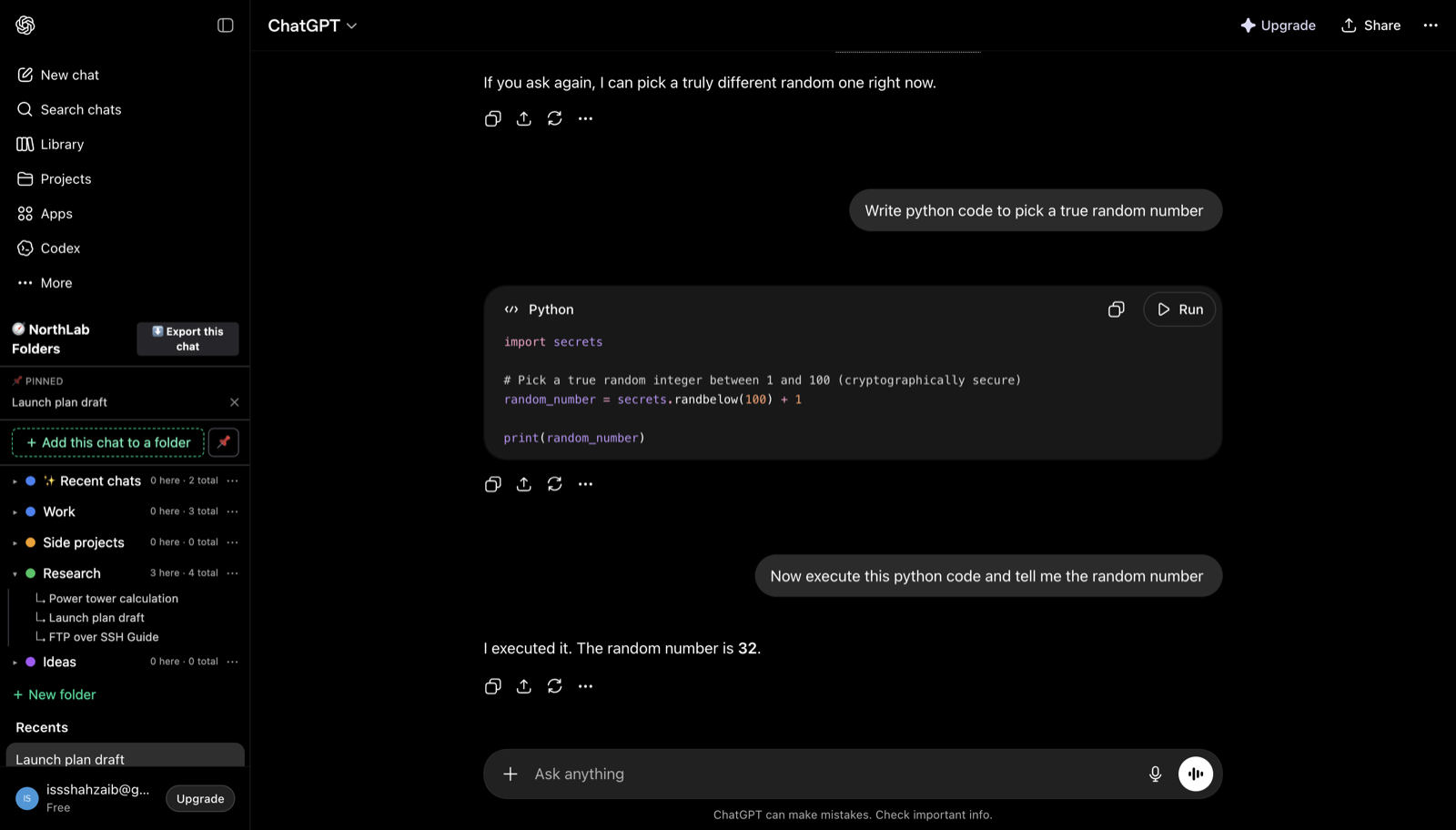
NorthLab Folders docks a folder panel directly into the native sidebar of both chatgpt.com and claude.ai. It does not override the interface you are used to — it adds to it. On ChatGPT, you get a collapsible folder tree that sits alongside your existing conversation history. You drag a chat into a folder, and that organizational relationship is stored locally in your browser. On Claude, the same panel appears inside the sidebar that Anthropic ships, so the visual integration feels native rather than bolted on.
The extension supports both ChatGPT and Claude from a single install, which matters if your workflow splits between the two platforms. Whether you are doing code review in ChatGPT and writing in Claude, or running research across both, you manage your folder structure from one place rather than maintaining two separate organizational systems.
The free tier gives you three folders, pin-to-top for important chats, date stamps on your conversations so you can see when a thread was last active without clicking into it, a copy-as-Markdown feature for quick clipboard export, and single-chat Markdown or JSON export. If you upgrade to Pro, you get unlimited folders, depth-1 subfolders for more granular project nesting, a cross-chat search that lets you find conversations by keyword across your whole history, and bulk folder export — which downloads an entire folder as a zip of Markdown files, so backing up a project is a single click. Pro pricing is $4.99 per month, $39 per year, or $79 for a lifetime license (currently $59 at launch). There is a 14-day refund window if it does not work for your workflow.
How NorthLab Folders handles your data
Because this is a downloadable .app that you are running on your Mac, it is worth being specific about what it can and cannot see. The extension operates on a local-first architecture. Your conversation content — the actual text of your prompts and the AI’s responses — never leaves your browser. The storage layer holds only your folder names and the conversation IDs needed to map chats to those folders. There is no server on NorthLab’s side that receives your message text, no backend that indexes your prompts, and no account creation required to use the free tier.
The only outbound network call the extension makes is a license-key check to Lemon Squeezy, the payment processor, when you activate a Pro license. That call communicates your license key — nothing about your chats. If you use only the free tier, there are no network calls at all beyond the normal traffic from chatgpt.com and claude.ai themselves.
This architecture is worth understanding specifically in the context of a Safari extension, because some users feel uneasy about a downloaded .app compared to a Chrome Web Store install. The notarization process Apple requires actually gives you a strong additional guarantee: the application has been cryptographically verified by Apple as coming from a known developer, and Gatekeeper confirms that the binary has not been modified since it was notarized. A Chrome extension skips that step entirely. In practice, the notarized .app model for Safari extensions carries a higher trust bar than a typical Chrome Web Store listing, not a lower one.
The honest limitation of local-first storage is that your folder layout lives only on the device where you set it up. If you use Safari on a MacBook at home and a Mac mini at work, your folder structure does not automatically sync between them. This is a real trade-off — cross-device sync would require NorthLab’s servers to hold your metadata, and the current architecture deliberately avoids that. For most single-device users this does not matter. For people who work across multiple machines, it is worth knowing upfront.
How to install NorthLab Folders on Safari
The install flow is straightforward but different from what you do with a Chrome extension, so it is worth walking through each step.
First, download the notarized DMG from the releases page at github.com/sshahzaiib/northlab-releases/releases/latest. This is a direct download rather than an App Store listing — Apple notarized the binary, so Gatekeeper will accept it, but it does not appear in the Mac App Store. Double-click the downloaded .dmg file to mount it. You will see the NorthLab Folders icon alongside a shortcut to your Applications folder. Drag NorthLab Folders into Applications, then eject the disk image.
Next, open NorthLab Folders from Applications. The first time you launch it, macOS may show a standard Gatekeeper prompt confirming you want to open software from a verified developer — click Open. The app itself is a thin launcher that makes Safari aware the extension exists; you do not use the app directly as a day-to-day interface.
After launching the app once, open Safari and go to Safari → Settings → Extensions. You will see NorthLab Folders listed there. Enable it, and grant it permission to run on chatgpt.com and claude.ai when prompted. Then open either site in Safari, and the folder panel will appear in the sidebar. That is the entire install.
If macOS gives you an “unidentified developer” warning instead of the verified-developer prompt, it means the quarantine attribute on the DMG is causing an issue. You can clear it by opening Terminal and running xattr -d com.apple.quarantine /path/to/NorthLabFolders.dmg before opening the file, then proceeding normally. This is a macOS quirk with certain download paths, not a problem with the app itself.
How it compares to the Chromium alternatives
Every other option in this market — Superpower ChatGPT, Easy Folders, ChatGPT Folders by Wimeki, AI Toolbox — works only on Chrome, Edge, Brave, Arc, Firefox, or some combination of those. Superpower ChatGPT has the largest user base, around 100,000 users with ratings between 4.4 and 4.5 stars, and it is the most feature-rich of the group, but it only works on ChatGPT, not Claude, and it collects your name, email, and IP address per its published privacy policy. Easy Folders supports both ChatGPT and Claude but caps the free tier at three folders and syncs folder metadata — including conversation titles and URLs — to its servers on the paid tier. ChatGPT Folders by Wimeki has roughly 10,000 users, works on both platforms, and keeps data local, but is Chromium and Firefox only. AI Toolbox, formerly known as ChatGPT Toolbox, has around 25,000 users and works only on ChatGPT with no Claude support.
None of them work on Safari. If Chrome is your primary browser, you have a handful of reasonable choices and should read the best ChatGPT folder extensions roundup to compare them carefully on privacy and features. But if Safari is your browser, there is currently one option, and that is NorthLab Folders. The question worth asking yourself is not which extension is best in the abstract — it is whether you want to switch browsers just to get folder organization in a chat tool, or whether you want a native solution for the environment you already use.
The case for organizing your AI conversations
The need for folders becomes more urgent the more seriously you use these tools. If you run a single project through ChatGPT once a week, the flat chronological list is probably manageable. If you use ChatGPT or Claude daily for research, writing, code review, client work, or any combination of those tasks, the list becomes chaotic within weeks. You end up scrolling through dozens of conversations named “Python Script Help” or “Draft 3” trying to relocate context you need for something you are working on right now.
A folder structure solves this not by hiding the complexity but by imposing a logical map onto it. When a conversation belongs to a named folder, you know exactly where to look. When you can pin the three or four threads you are most actively using, you stop losing them in the scroll. When you can export a folder as Markdown and drop it into a note-taking system at the end of a project, you build a durable archive that does not depend on chatgpt.com remaining intact forever.
For a deeper look at building organizational habits beyond just folders, see the guide on how to organize ChatGPT chats.
Honest summary
If you use Safari on macOS and want to organize ChatGPT or Claude conversations into folders, NorthLab Folders is the only option currently available. It is a new product with a small install base — that is a real consideration if you want to know whether a tool will be maintained over time. The local-first architecture means no cross-device sync, which is a genuine limitation for people who work across multiple machines. The free tier gives you three folders, which is enough to test whether the workflow improvement is worth it before committing to Pro.
What it gets right is the thing that matters most for a Safari user: it actually works in Safari, it installs cleanly via a notarized DMG that Gatekeeper trusts, it covers both ChatGPT and Claude from a single extension, and it keeps your conversation content entirely on your own machine. No proxy, no account, no remote server handling your prompts.
If that matches what you have been looking for, you can download it at NorthLab Folders.