Best Privacy-First ChatGPT Folder Extensions (Honest 2026 Roundup)
Why privacy matters in a folder extension
When you begin searching for the best ChatGPT folder extensions, the conversation inevitably turns to privacy. Most professionals and casual users alike rely on AI chatbots to handle highly sensitive, personal, or proprietary information. Whether you are a software engineer debugging unreleased code, a startup founder drafting internal company strategy memos, a financial analyst working through quarterly projections, or just a regular person discussing personal issues, the conversations you have with ChatGPT or Claude are inherently private. They represent your raw, unfiltered thought processes and your most guarded data. Often, these chats act as an extended memory for your most important projects. Because of this reality, securing that data is paramount.
Because of the fundamental way browser extensions function, any tool that requests and is granted host access to chatgpt.com has the technical capability to read the contents of your conversations. Extensions operate by injecting JavaScript directly into the web page to modify the page structure. This is how they alter the interface to add custom buttons, build new menus, and organize your sidebars. This level of access is necessary to make an extension function properly. However, it also means the extension developer has a direct line of sight to the text visible on your screen.
If an extension developer decides to quietly log that data, transmit it back to a remote server, or package it up to sell to third-party data brokers, they have the technical capability to do so once you grant those permissions. This is precisely why you must rigorously evaluate the privacy posture of a ChatGPT organizer before installing it. It is entirely insufficient to just look for the tool with the flashiest interface or the most features.
When we talk about a “local-first” architecture in the context of these tools, we are referring to a very specific technical guarantee. A local-first extension stores your organizational data directly in your browser’s local storage on your physical machine. Under this model, your sensitive conversation content never leaves your device. If you use a tool built with this architecture, you do not have to blindly trust the developer’s remote servers or their cybersecurity practices, because your data simply never touches their infrastructure.
If you are evaluating private ChatGPT folders yourself directly on the Chrome Web Store, the first place you should always look is the “Privacy practices” tab. Browser extension developers are required by store policies to disclose what specific types of data they collect from their users. Look carefully at whether they admit to collecting personally identifiable information, ongoing usage history, or website content. Then check the permissions the extension requests upon installation. A focused ChatGPT organizer should only request permissions for chatgpt.com (and perhaps claude.ai if it legitimately supports that platform). If an extension requests sweeping access to “read and change all your data on all websites” you visit, that is a massive, unjustifiable red flag for a simple organizer tool.
How we evaluated
Evaluating the best ChatGPT folder extensions requires balancing actual daily functionality with a rigorous look at how each tool handles its users’ data. We operate directly in this exact market: we built our own tool, NorthLab Folders, so it is important to disclose upfront that we have a natural bias. We obviously want you to use our software. However, we also believe in evaluating the competition fairly, using checkable, objective criteria. We readily acknowledge the genuine strengths of the other tools on the market and will point out our own product’s limitations honestly.
We evaluated extensions strictly based on the following criteria:
First, we looked at exactly where the data goes. Does the extension rely entirely on a local-first architecture, or does it sync data to remote servers? If it does sync data over the internet, what exactly is being transmitted? Is it just lightweight structural metadata, or does it include the actual conversation logs?
Second, we examined the specific browser permissions requested by the extension. As mentioned previously, a focused ChatGPT organizer should not ask for broad, sweeping permissions across your entire browser.
Third, we looked at the actual depth of the folder features provided. How many folders are you allowed to create? Can you create nested subfolders for more complex project organization? Are there arbitrary limits imposed on the free tiers just to force an upgrade?
Fourth, we checked for multi-platform support. Many users today split their time heavily between OpenAI’s platform and Anthropic’s platform. An extension that only works on one website forces you to fragment your workflow and use different organizational systems depending on which AI you are talking to.
Finally, we looked at pricing honesty. Are the subscription costs clear and easy to find? Does the free tier provide actual, sustainable utility for a casual user, or is it just a heavily restricted trial designed to force an immediate upgrade?
We applied these criteria strictly, looking only at verifiable facts, published privacy policies, and the functionality present in the extensions themselves. If you want a more comprehensive guide on sorting your chats in general, you can read our deeper guide on how to organize ChatGPT chats.
The best ChatGPT folder extensions
Below is our detailed breakdown of the major players in the market right now, evaluated based on our criteria for functionality and privacy.
Superpower ChatGPT
Superpower ChatGPT is one of the most established and widely recognized tools in the entire AI extension ecosystem. It has a reported user base of over 100,000 and maintains a strong rating of about 4.4 to 4.5 stars on the Chrome Web Store. It is important to understand that Superpower is fundamentally a comprehensive overhaul of the entire ChatGPT interface, rather than just a focused folder tool.
What it does well: The feature set is genuinely rich. In addition to robust folders, it offers extensive prompt management systems, access to large libraries of community prompts, and a custom user interface that replaces much of the default ChatGPT layout with its own design. If you are a power user who wants to tweak, customize, and control every aspect of the chat experience, Superpower provides a tremendous amount of utility.
Privacy posture: According to its own published privacy policy, the extension collects user names, email addresses, and IP addresses. While it stores the actual conversation data mostly locally on your machine, some users have raised concerns in store reviews about receiving marketing emails after installing the tool, which indicates personal data is processed on a backend.
Pricing: Freemium. The Pro version is reported to cost around $15 to $19 per month, or roughly $96 to $100 billed annually.
Honest limitation: Because the extension acts as a heavy overhaul of the user interface, it can feel bloated if you only want private ChatGPT folders to tidy up your sidebar. It also focuses entirely on OpenAI; it does not support claude.ai.
Easy Folders for ChatGPT
Easy Folders takes a more focused approach, targeting users who primarily want to categorize their conversations without completely altering the native UI.
What it does well: It provides a clean, straightforward way to group your chats into categories. It also stands out by offering support for both ChatGPT and claude.ai, which makes it a viable option for users who alternate between the two leading AI models.
Privacy posture: The privacy setup depends on which tier you use. On the free tier, your organizational data remains in local storage. However, if you upgrade to the paid tier to get cross-device syncing, the extension syncs your metadata — folder names, conversation titles, and conversation URLs — to its remote servers. The developers state clearly that they do not read the actual conversation contents, but you are still trusting their backend to hold your metadata, and conversation titles alone can reveal the sensitive topics you are discussing. User counts and exact store ratings for this extension are currently unverified.
Pricing: Freemium. The free tier is capped at 3 folders. Unlocking more requires their “Superuser” plan at about $9 per month.
Honest limitation: The free tier is restrictive for any serious user. Three folders are usually not enough to organize a busy sidebar, so the free version acts more as a demo before you hit a hard paywall.
ChatGPT Folders (by Wimeki)
ChatGPT Folders by Wimeki is another dedicated, single-purpose organizer. It has a reported user base of about 10,000 users and holds an average rating of roughly 3.9 stars.
What it does well: This extension sticks to the basics of organization. It integrates folders directly into the sidebar and advertises support for Claude alongside its ChatGPT functionality. It gets the fundamental job done if you just need a few basic categories.
Privacy posture: The extension states that it stores your data locally, keeping your organization structure on your own device without transmitting it to remote servers.
Pricing: Freemium. Users can create up to 4 folders for free. More than 4 folders, or import/export of your folder structure, requires the PRO upgrade.
Honest limitation: Similar to Easy Folders, the hard cap of 4 folders on the free tier means you will likely outgrow it quickly if you use AI daily. The interface can also feel less polished than newer alternatives, which may be reflected in the 3.9-star average rating.
NorthLab Folders
We built NorthLab Folders because we wanted a specific mix that we felt was missing from the market: native-feeling UI integration, strict privacy, and true cross-platform support, without a heavy subscription fee for the basics.
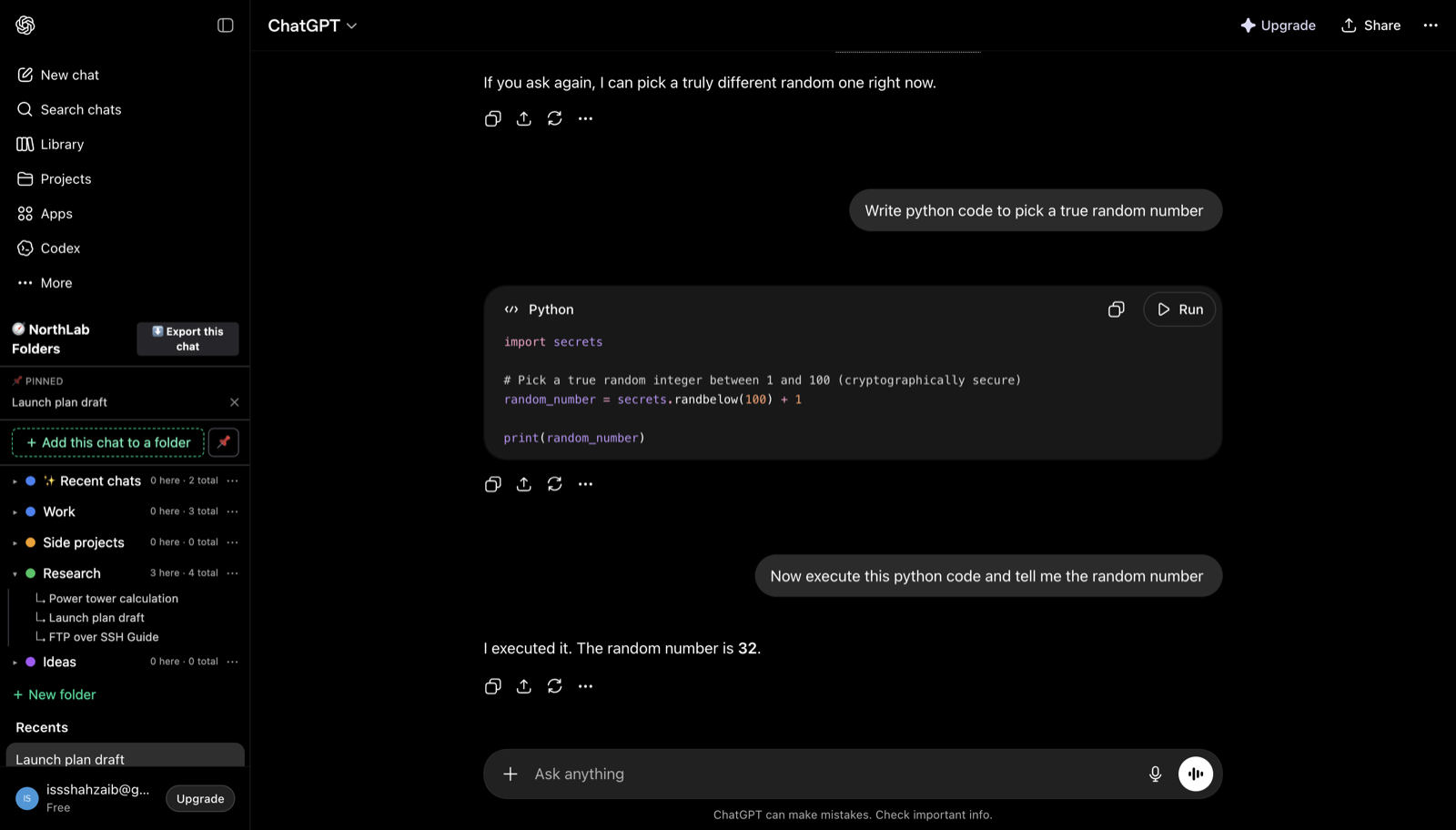
What it does well: The extension docks directly inside the native sidebars of both chatgpt.com and claude.ai, providing first-class support for both platforms without overriding the UI you are used to. It is also the only tool in this roundup that runs on Safari — alongside Chrome, Edge, Brave, Arc, and Opera — via a signed, notarized macOS app, so it is genuinely cross-platform rather than Chromium-only. You get 3 free folders to start organizing immediately. Pro gives you unlimited folders and depth-1 subfolders for more granular project organization. We also built in the small utilities power users actually need day to day: pin important chats to the top, see date stamps on your conversations, and copy any chat as clean Markdown for free. You can also export a single chat to a Markdown or JSON file on the free tier. For heavier workloads, Pro users can bulk-export an entire folder of chats as a zip of Markdown documents.
Privacy posture: NorthLab Folders is strictly local-first. Your conversation content never leaves your browser. The extension’s local storage holds only your folder names and the conversation IDs needed to map chats to folders — never message text. We operate no backend servers that touch your prompts, none of your conversation data is transmitted anywhere, and there is nothing on our side that could log your IP address. (The only network call the extension makes is a license-key check to our payment processor, Lemon Squeezy, when you activate Pro — never anything about your chats.)
Pricing: The free tier is enough for light use (3 folders, Markdown copy, single-chat export). Pro is $4.99 per month, $39 per year, or a $79 one-time lifetime purchase ($59 at launch).
Honest limitation: We are a new entrant, so we do not have the established install base of our older competitors. And because we enforce a local-first architecture, your folder layout lives only on the device where you set it up — there is no cross-device backup of it.
A cautionary note on all-in-one AI sidebars
When searching for a ChatGPT organizer, you will inevitably come across massive all-in-one AI sidebars that promise to do everything at once. The most prominent example is Sider (AI Sidebar). It is enormously popular, with over 10 million users and a rating of around 4.8 stars.
However, tools like Sider operate on a fundamentally different — and, for privacy purposes, riskier — architecture than dedicated folder extensions. Sider routes your actual prompts through its own servers (a proxy architecture) rather than just running a script on top of the native ChatGPT website. Because it acts as a middleman for your data, it collects user accounts, usage history, device metadata, and IP addresses. It has also been flagged as high-risk in independent security research by Incogni, due to the broad tab permissions it requires to function across all the websites you visit.
We include it only as a cautionary example of what a data-hungry extension looks like in practice. If your goal is simply to organize your existing chats on OpenAI or Anthropic, you do not need an extension that reads data across every tab in your browser. An organizer should be scoped strictly to the domains where the chats actually happen. If privacy is a priority for you or your business, avoid all-in-one proxies entirely and stick to tools built for local, on-device organization.
Comparison table
| Extension | Folders | Subfolders | Claude support | Safari | Local-first | Free tier | Price |
|---|---|---|---|---|---|---|---|
| Superpower ChatGPT | Yes | No | No | No | Mostly | Uncapped folders | ~$15–19/mo |
| Easy Folders | Yes | No | Yes | No | Free tier only | 3 folders | ~$9/mo |
| ChatGPT Folders | Yes | No | Yes | No | Yes | 4 folders | Pro for more |
| NorthLab Folders | Yes | Yes (depth-1) | Yes | Yes | Yes | 3 folders | $4.99/mo · $39/yr · $79 lifetime ($59 at launch) |
Every other extension in this market is Chromium- or Firefox-only. As of June 2026, NorthLab Folders is the only ChatGPT and Claude folder extension that also ships a native, signed-and-notarized build for Safari on macOS — so Mac users who prefer Safari are no longer locked out.
Which should you pick?
Choosing among the best ChatGPT folder extensions depends on what kind of user you are, what your workflow demands, and what trade-offs you are willing to make on data privacy.
If you are a power user who wants to customize the entire ChatGPT interface, wants a large library of community prompts, and does not mind a tool that collects some personal data like your email and IP address per its privacy policy, Superpower ChatGPT is the most feature-rich option available. Just be aware that you cannot use it to organize your Claude conversations.
If you have minimal needs and just want to group a small handful of chats without paying anything, both Easy Folders and ChatGPT Folders (by Wimeki) are decent, functional options. Their free tiers are capped at 3 and 4 folders respectively, but if that is all the organization you need, they will do the job.
If you want a strictly privacy-first tool that works natively across both chatgpt.com and claude.ai without breaking the UI, and offers practical extras like bulk Markdown export and depth-1 subfolders, check out NorthLab Folders. We built it specifically to address the privacy and cross-platform gaps left open by the other tools in this market.
Whatever you pick, take deliberate control of your workspace without compromising your private information. For broader strategies on managing your AI conversations, see our full guide on how to organize ChatGPT chats — and once your sidebar is tidy, searching your ChatGPT history is the other half of finding things again.